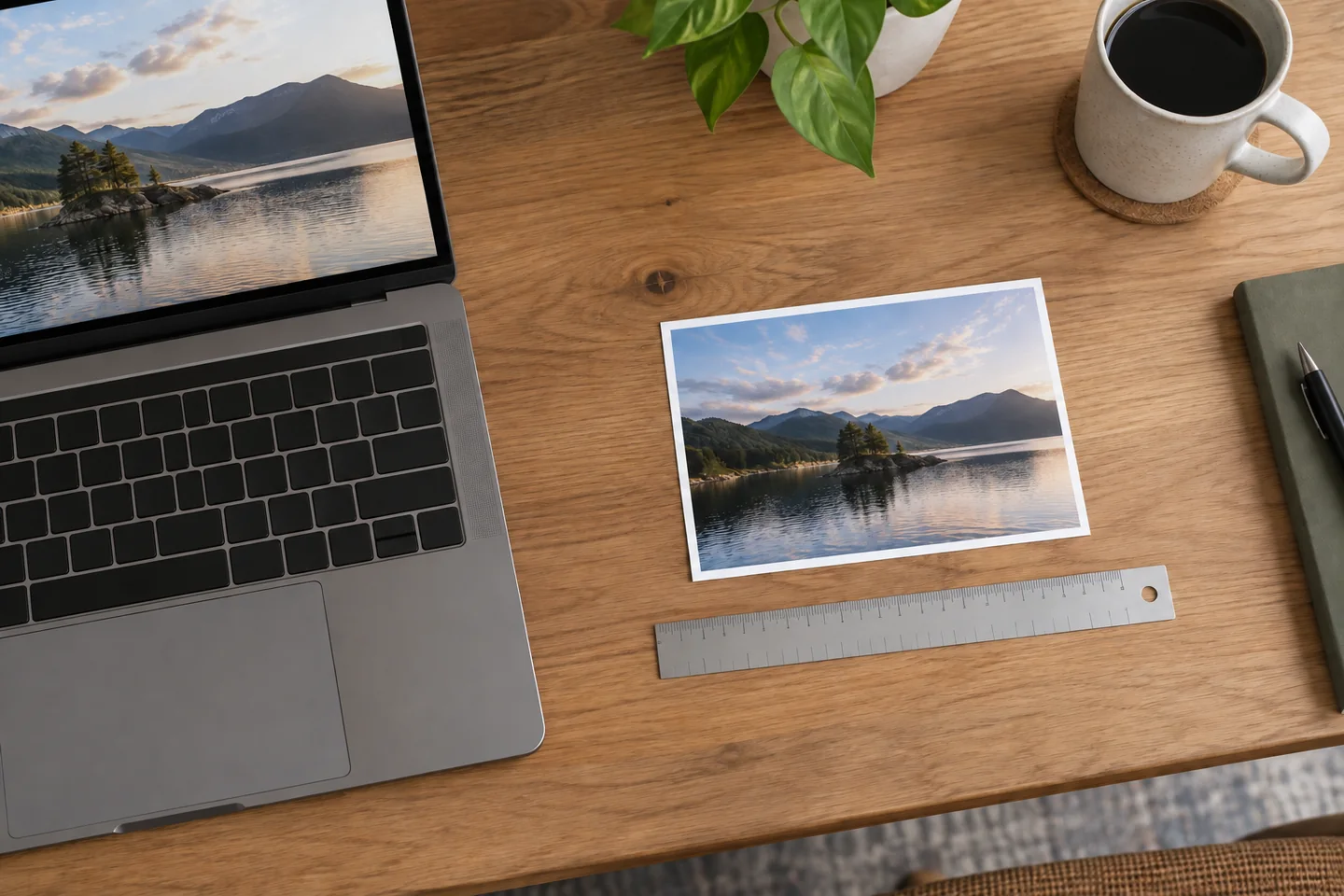
The answer to how many pixels in one inch depends on the resolution or pixel density being used. At 96 pixels per inch, one inch contains 96 pixels. At 300 pixels per inch, the same inch contains 300 pixels. For web layouts, CSS defines one inch as 96 CSS pixels, but those units may not match the physical pixels on a screen.
This distinction matters when you resize an image, prepare a photo for printing, design a website, or compare display quality. Pixels describe digital image data, while inches describe physical length. You need a PPI value to create a reliable conversion between them.
This guide explains PPI, DPI, CSS pixels, print resolution, conversion formulas, and the factors that determine how sharp an image looks.
Quick Answer
There is no universal number of pixels in a physical inch. The answer changes with PPI, which means pixels per inch.
| Resolution | Pixels in 1 Inch | Common Use |
|---|---|---|
| 72 PPI | 72 pixels | Legacy digital convention |
| 96 PPI | 96 pixels | CSS reference measurement |
| 150 PPI | 150 pixels | Drafts and some large prints |
| 300 PPI | 300 pixels | High-quality photo printing |
| 600 PPI | 600 pixels | Detailed scanning or specialized output |
The basic relationship is:
Pixels = Inches × PPI
For example, an image that is 2 inches wide at 300 PPI must be 600 pixels wide.
How Many Pixels in One Inch at Different Resolutions?
One inch contains exactly as many pixels as the selected PPI value. An image set to 150 PPI uses 150 pixels across each inch. An image printed at 300 PPI uses 300 pixels across the same distance.
Here are several common examples:
-
At 72 PPI, 1 inch equals 72 pixels.
-
At 96 PPI, 1 inch equals 96 pixels.
-
At 150 PPI, 1 inch equals 150 pixels.
-
At 240 PPI, 1 inch equals 240 pixels.
-
At 300 PPI, 1 inch equals 300 pixels.
These values describe a single horizontal or vertical line. A square inch contains pixels in two dimensions. At 300 PPI, a one-inch square contains 300 × 300 pixels, or 90,000 pixels in total.
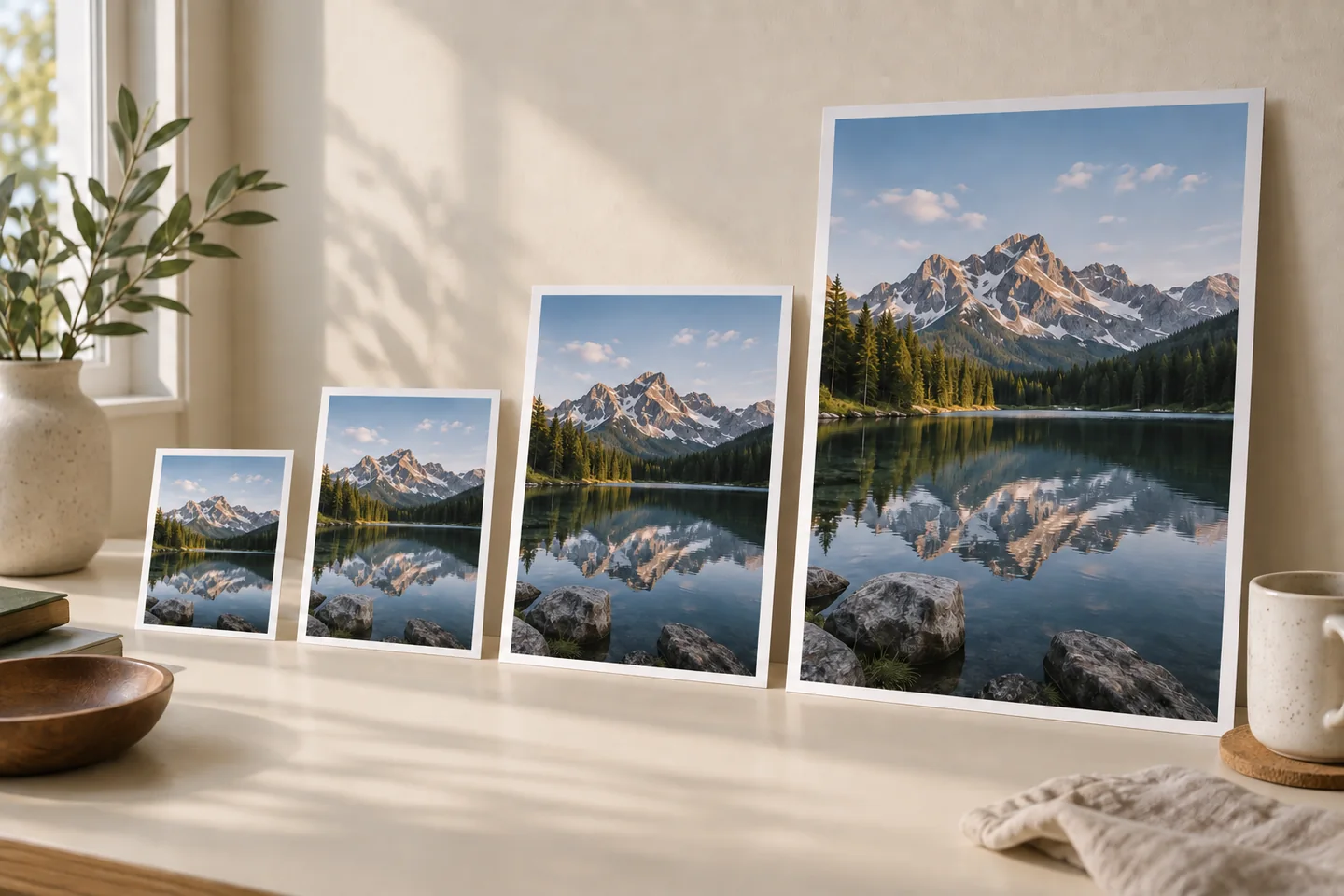
A digital image does not have a fixed physical size on its own. A 1,200-pixel-wide photo could be 4 inches wide at 300 PPI, 8 inches wide at 150 PPI, or 12.5 CSS inches wide when divided by 96. The image still contains 1,200 pixels, but the intended output size changes.
What Does PPI Mean?
PPI stands for pixels per inch. It measures how many image or display pixels fit within one linear inch.
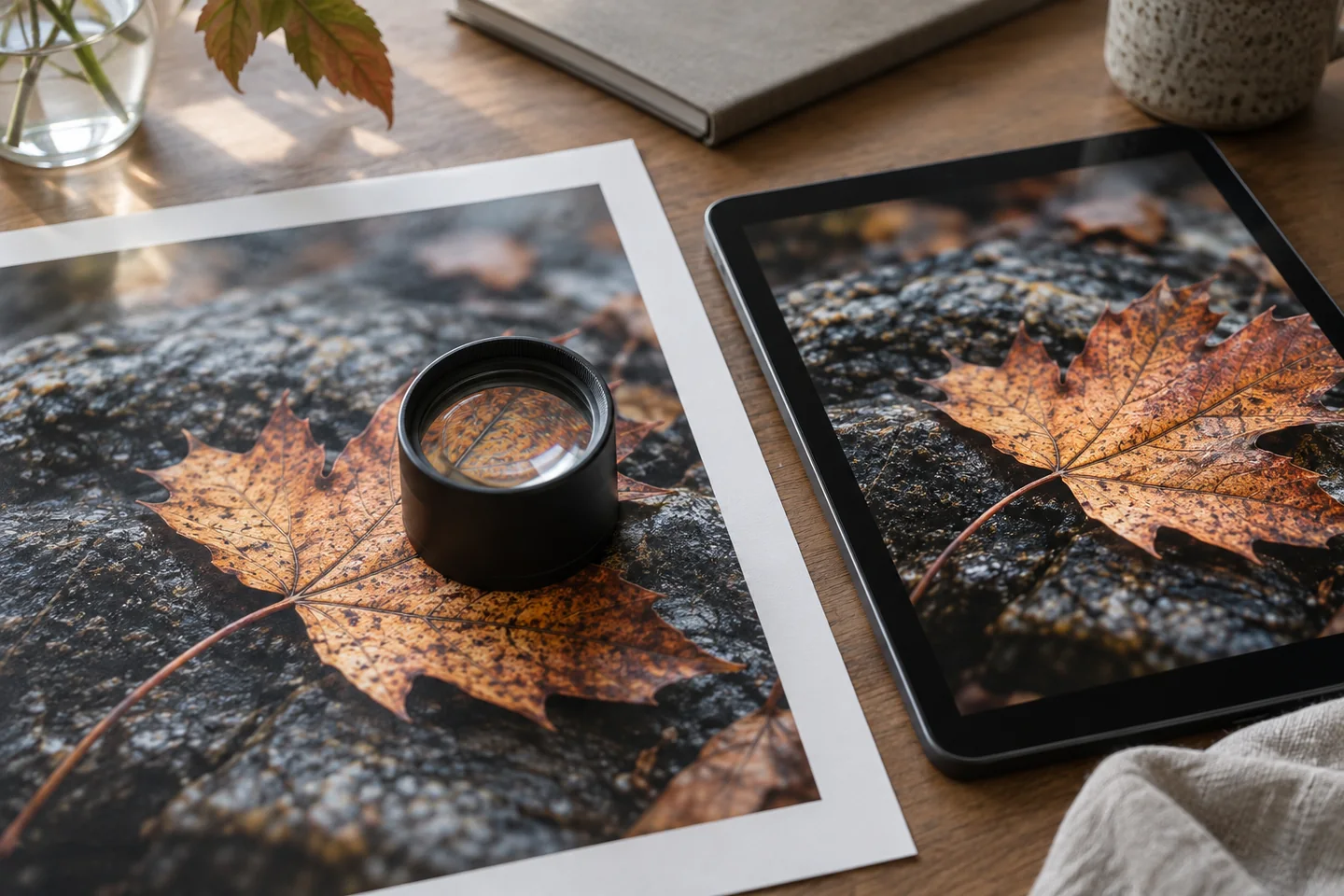
A higher PPI places more pixels into the same physical space. This usually produces finer detail, smoother edges, and less visible pixelation when the source image contains enough information. A lower PPI spreads fewer pixels across each inch, which can make individual pixels easier to notice.
PPI is used in two related ways:
-
Image PPI connects the pixel dimensions of a digital image to its intended print size.
-
Display PPI describes the physical pixel density of a monitor, phone, tablet, or television.
These uses should not be confused with total resolution. A resolution such as 1920 × 1080 tells you the number of pixels across the full display, but it does not reveal how tightly those pixels are packed. A 24-inch Full HD monitor has a higher pixel density than a 50-inch Full HD television because the same number of pixels occupies a smaller area.
PPI vs DPI: What Is the Difference?
PPI and DPI are often used interchangeably, especially in print settings, but they describe different parts of the imaging process.
| Term | Meaning | What It Measures | Typical Context |
|---|---|---|---|
| PPI | Pixels per inch | Digital pixels within an inch | Images and displays |
| DPI | Dots per inch | Printed dots within an inch | Printers and physical output |
A digital photograph is built from pixels. A printer reproduces that image with tiny dots of ink or toner. One image pixel may be represented by multiple printer dots, particularly when a printer combines several ink colors to reproduce the color of that pixel.
For that reason, a 300 PPI image does not require the printer to operate at exactly 300 DPI. A printer might use a much higher DPI setting while receiving image data at 300 PPI.
People commonly say “300 DPI image,” but “300 PPI image” is usually the more accurate term when discussing the image file. DPI is more appropriate when referring to the printer’s output capability.
How to Convert Inches to Pixels
To convert a physical measurement into pixels, you need the length in inches and the target PPI.
Formula:
Pixels = Inches × PPI
Suppose you need an image that will be 5 inches wide at 300 PPI:
5 inches × 300 PPI = 1,500 pixels
The image should be 1,500 pixels wide. If it will also be 7 inches tall, calculate the height separately:
7 inches × 300 PPI = 2,100 pixels
A 5 × 7-inch print at 300 PPI therefore needs pixel dimensions of 1,500 × 2,100.
Example at 96 PPI
For a 4-inch measurement at 96 PPI:
4 × 96 = 384 pixels
Example at 150 PPI
For an 8-inch print at 150 PPI:
8 × 150 = 1,200 pixels
Example at 300 PPI
For an 8-inch print at 300 PPI:
8 × 300 = 2,400 pixels
These examples show why the PPI value must be stated. Saying that an image is “8 inches wide” is not enough to determine its required pixel width.
How to Convert Pixels to Inches
The reverse calculation tells you how large an image can be displayed or printed at a chosen resolution.
Formula:
Inches = Pixels ÷ PPI
Assume that an image is 1,200 pixels wide.
At 300 PPI:
1,200 ÷ 300 = 4 inches
At 150 PPI:
1,200 ÷ 150 = 8 inches
At 96 PPI:
1,200 ÷ 96 = 12.5 inches
The available pixel data does not change between these calculations. Only the number of pixels assigned to each inch changes. A smaller print uses more pixels per inch and normally looks sharper. A larger print spreads the same pixels across more space.
Pixel-to-Inch Conversion Chart
| Pixel Width | At 96 PPI | At 150 PPI | At 300 PPI |
|---|---|---|---|
| 300 px | 3.13 in | 2 in | 1 in |
| 600 px | 6.25 in | 4 in | 2 in |
| 1,200 px | 12.5 in | 8 in | 4 in |
| 1,800 px | 18.75 in | 12 in | 6 in |
| 2,400 px | 25 in | 16 in | 8 in |
| 3,000 px | 31.25 in | 20 in | 10 in |
These are mathematical output sizes. Actual print quality also depends on the source image, printer, paper, sharpening, and viewing distance.
How Is Screen PPI Calculated?
To calculate the pixel density of a display, you need three values:
-
Horizontal resolution in pixels
-
Vertical resolution in pixels
-
Diagonal screen size in inches
The formula is:
PPI = √(width² + height²) ÷ diagonal size
Consider a 24-inch monitor with a resolution of 1920 × 1080.
First, calculate its diagonal resolution:
√(1920² + 1080²) = approximately 2,203 pixels
Then divide by the physical diagonal:
2,203 ÷ 24 = approximately 91.8 PPI
A 24-inch Full HD monitor therefore has a pixel density of about 92 PPI.
Now place the same 1920 × 1080 resolution on a smaller 15.6-inch laptop:
2,203 ÷ 15.6 = approximately 141.2 PPI
Both displays have the same total resolution, but the laptop looks sharper at a similar viewing distance because its pixels are packed more closely together.
Operating-system scaling can make text and interface elements appear larger, but scaling does not change the panel’s physical pixel density.
What Does One Inch Mean in CSS?
Web browsers use a reference relationship in which:
1 CSS inch = 96 CSS pixels
Other CSS absolute units are connected to the same system. For example, one CSS point equals 1/72 of an inch, while one CSS pixel equals 1/96 of an inch.
This does not mean that every physical inch on every monitor contains 96 hardware pixels. A CSS pixel is a logical or reference unit. On a high-density display, one CSS pixel may be drawn using several physical device pixels. Browser zoom, operating-system scaling, device pixel ratio, screen density, and viewing distance can all affect the final appearance.
Web images should therefore be prepared according to their required pixel dimensions rather than an assumed physical size. A 1,200 × 800-pixel image contains the same amount of pixel data whether its metadata says 72 PPI, 96 PPI, or 300 PPI. Unless a website or browser uses that metadata for a specific purpose, the displayed image is normally controlled by its pixel dimensions and page layout.
How Many Pixels per Inch Are Best for Printing?
For high-quality photographs and materials viewed at close range, 300 PPI is a widely used target. It provides enough source detail for sharp prints in many normal situations.
That does not mean every print must be 300 PPI. The suitable resolution depends on the image, printing method, output size, and expected viewing distance.
A practical range might look like this:
| Effective Resolution | General Expectation |
|---|---|
| Below 100 PPI | Often suitable only for distant viewing |
| 100 to 150 PPI | May work for banners and large displays |
| 150 to 240 PPI | Acceptable to good for many prints |
| 240 to 300 PPI | Strong photo-print quality |
| Above 300 PPI | Useful for some detailed or specialized work |
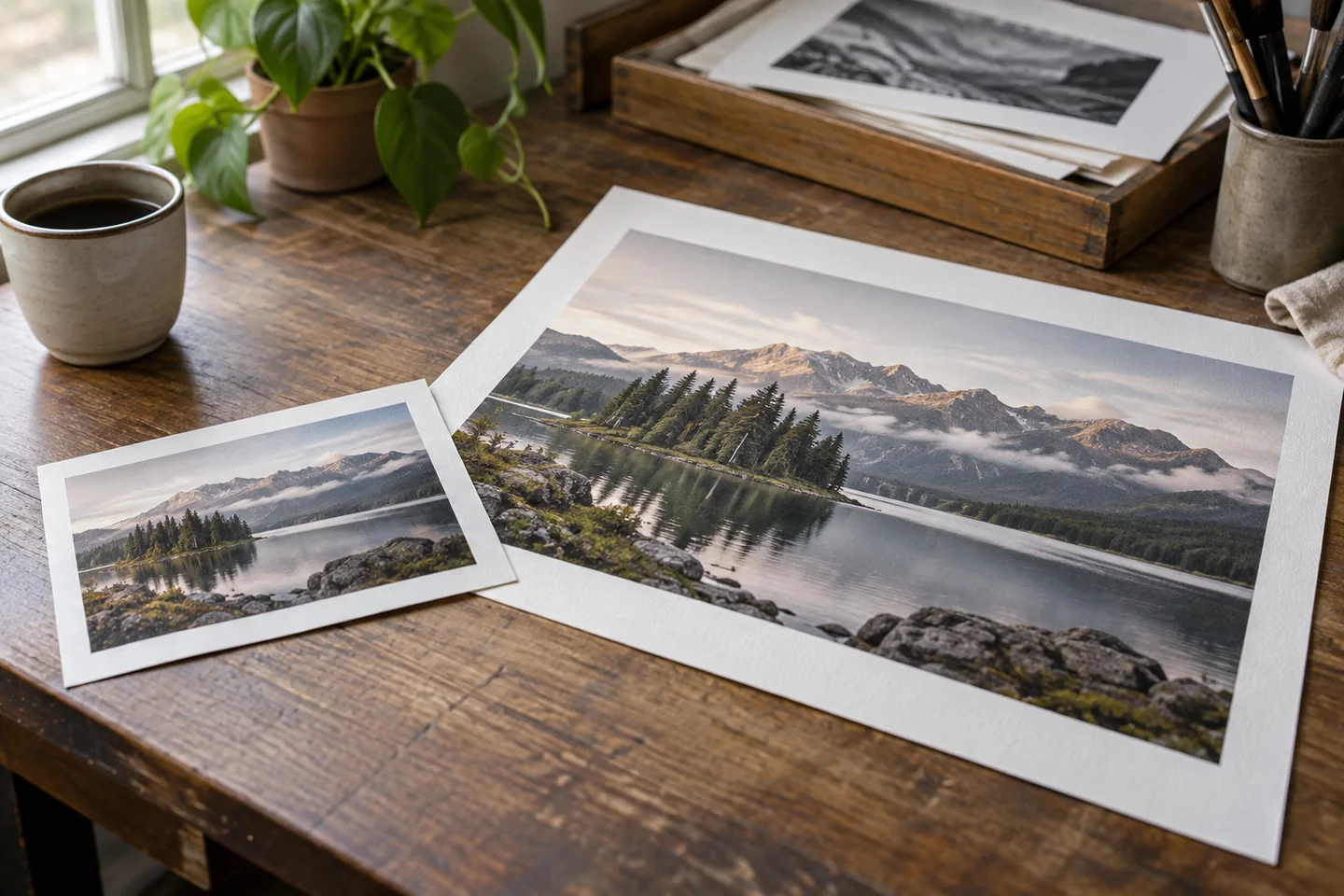
Large posters are usually viewed from farther away, so they can often use a lower effective PPI than a small photo held in the hand. A billboard does not need the same pixel density as a magazine photograph.
Before preparing an important print, check the print provider’s required pixel dimensions, preferred color settings, bleed requirements, and file format. Its recommendations should take priority over a general rule.
Does Changing PPI Improve Image Quality?
Changing the PPI field alone does not create new detail.
Suppose an image is 3,000 pixels wide. At 300 PPI, its calculated print width is 10 inches. If you change its metadata to 150 PPI without resampling, its print width becomes 20 inches, but it still contains only 3,000 pixels.
Resampling is different. Resampling changes the actual pixel dimensions of the file. Software can create new pixels through interpolation, but those generated pixels are estimates based on the existing image. Increasing a small photo from 600 pixels to 2,400 pixels does not recover detail that the camera never captured.
Downsampling removes pixels and can be useful when preparing oversized images for websites or smaller prints. Upsampling may help an image meet output dimensions, but the result depends on the original quality, enlargement amount, subject detail, and resizing method.
Always check both the PPI setting and actual pixel dimensions. The pixel count tells you how much real image data is available.
Common Pixel, PPI, and DPI Mistakes
Several misconceptions cause incorrect conversions and disappointing output.
Assuming every inch equals 96 physical pixels
The 96-pixel relationship applies to CSS reference units. Physical screen density varies by device.
Treating PPI and DPI as identical
PPI describes pixels in an image or display. DPI describes printer dots. They interact during printing, but they are not the same measurement.
Believing 72 PPI is required for web images
Web display quality is mainly determined by pixel dimensions, layout size, compression, and device density. Changing only the embedded PPI value usually does not improve or reduce browser image quality.
Increasing PPI without checking resampling
Changing PPI can alter the intended print size without changing the pixel count. Resampling changes the pixel count and may affect image quality.
Ignoring viewing distance
A large print viewed from several feet away can look sharp at a lower PPI than a small print examined closely.
Using resolution without physical screen size
A screen resolution such as 4K does not provide enough information to calculate pixel density. The diagonal screen size is also required.
Choosing the Right Resolution
Start with the final use of the image.
For a website, choose pixel dimensions that match the largest layout size at which the image will appear. Consider higher-density screens, responsive layouts, file compression, and loading performance.
For printing, decide the physical dimensions first. Multiply the width and height in inches by the target PPI to calculate the required pixel dimensions. A 10 × 8-inch print at 300 PPI, for example, requires 3,000 × 2,400 pixels.
For a display comparison, calculate the device’s physical PPI from its resolution and diagonal size. Do not use CSS measurements or image metadata as substitutes for the display’s hardware specifications.
This approach keeps the calculation tied to the real output instead of relying on a single resolution number for every situation.
Frequently Asked Questions
Is one inch always equal to 96 pixels?
No. One inch equals 96 pixels within the CSS reference measurement system. A physical inch on a monitor can contain fewer or more device pixels depending on the screen’s size and resolution. In printing, the number of image pixels assigned to an inch depends on the selected PPI.
How many pixels are in one inch at 300 DPI?
For image-size calculations, one inch at 300 PPI contains 300 image pixels. A printer operating at 300 DPI places 300 printer dots across an inch, but printer dots and image pixels are technically different. When preparing a photo, use PPI for the image and follow the printer’s stated requirements.
Is 300 PPI better than 72 PPI?
For the same physical print size, a genuine 300 PPI image contains more pixel detail than a 72 PPI image. On a website, changing only the PPI metadata from 72 to 300 does not make the image sharper. Its displayed pixel dimensions and compression are more relevant.
How many pixels do I need for an 8 × 10-inch print?
At 300 PPI, an 8 × 10-inch print requires 2,400 × 3,000 pixels. At 240 PPI, it requires 1,920 × 2,400 pixels. At 150 PPI, it requires 1,200 × 1,500 pixels. The best choice depends on viewing distance and the print provider’s recommendations.
How can I find the PPI of my screen?
Find the display’s horizontal resolution, vertical resolution, and diagonal size. Calculate the diagonal pixel count with the Pythagorean formula, then divide it by the diagonal size in inches. Online PPI calculators perform the same calculation, but their result is reliable only when the specifications are correct.
Does changing DPI change an image’s pixel dimensions?
Not necessarily. Editing the resolution metadata without resampling changes the calculated print size but keeps the original pixel dimensions. Enabling resampling allows editing software to add or remove pixels, which changes the file’s dimensions and may affect quality.
What PPI is considered high resolution?
For close-viewed photo printing, 300 PPI is commonly treated as high resolution. However, there is no universal cutoff for every use. Large posters can look good at a lower PPI because they are viewed from farther away, while detailed art reproduction may have stricter requirements.
Are pixels a physical unit of measurement?
A digital pixel has no universal physical size. Its physical appearance depends on the display or output method. Pixels become connected to inches only when a pixel density is specified, such as a monitor’s physical PPI or an image’s intended printing resolution.
The Practical Answer
To determine how many pixels in one inch, identify the context and the PPI value first. One inch contains 96 pixels at 96 PPI and 300 pixels at 300 PPI, while CSS uses 96 reference pixels per inch. For accurate work, calculate from the required output size instead of assuming one conversion applies to every screen, image, and print.